Dashboard
See revenue, expenses, profit, balances, debts and what needs your attention — all on one screen.
Step by step
Read the headline numbers
The top row shows total revenue, total expenses, net profit with its margin, and your active clients.
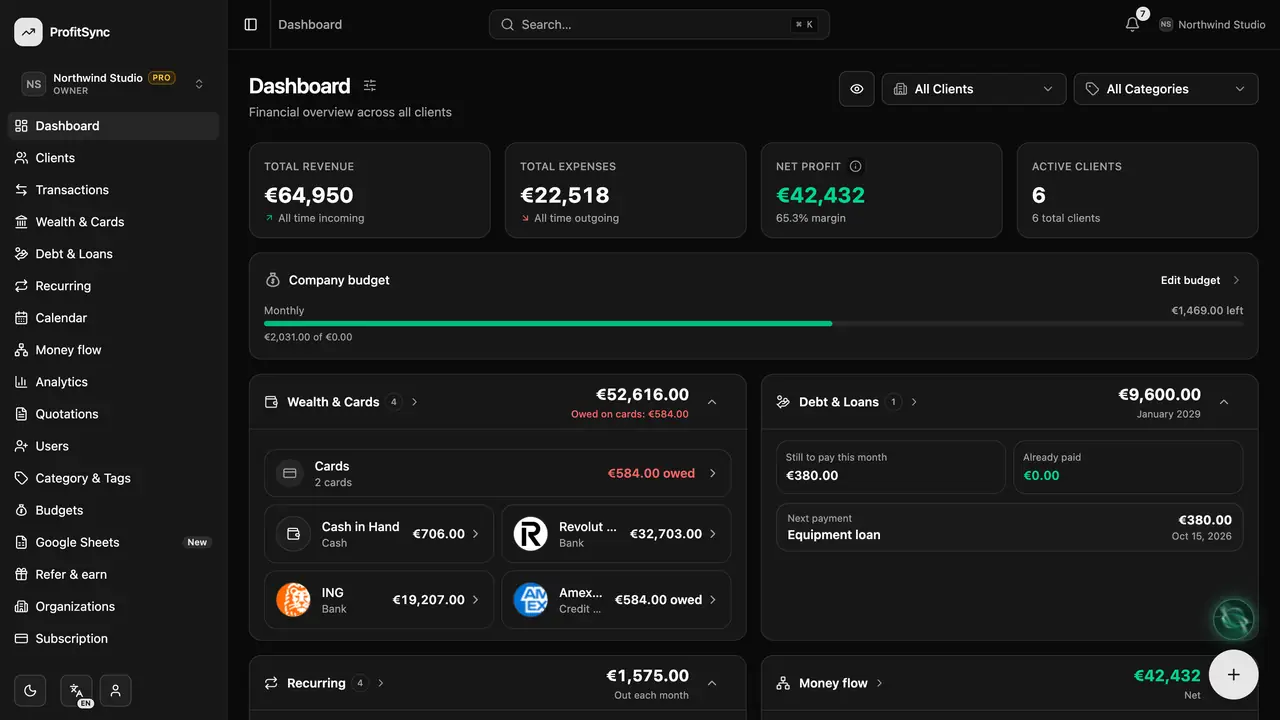
Filter by client or category
Use the All clients and All categories pickers to see the same dashboard for just one client or one kind of spending.
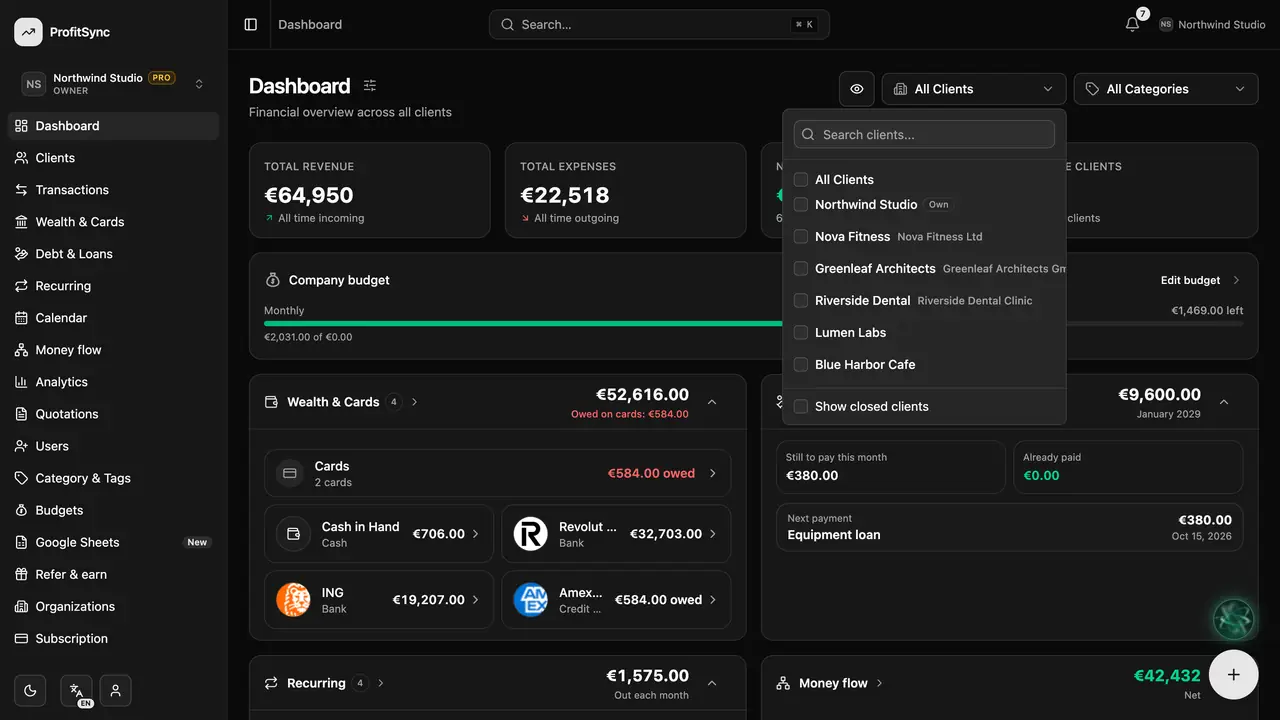
Check balances and debts
The Wealth & Cards and Debt & Loans cards show what you have, what you owe and your next payment. Tap a card to open the full page.
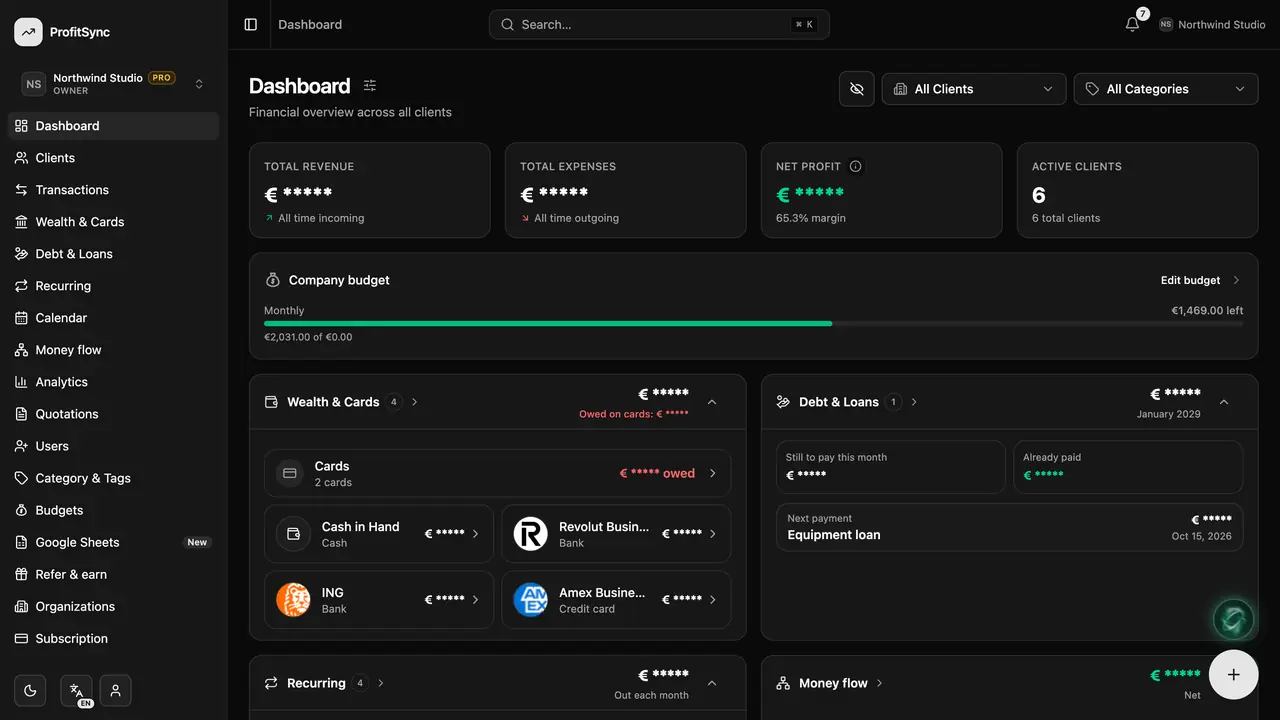
Hide amounts in public
Tap the eye button to blur every balance on screen — handy when you share your screen or work in a café.
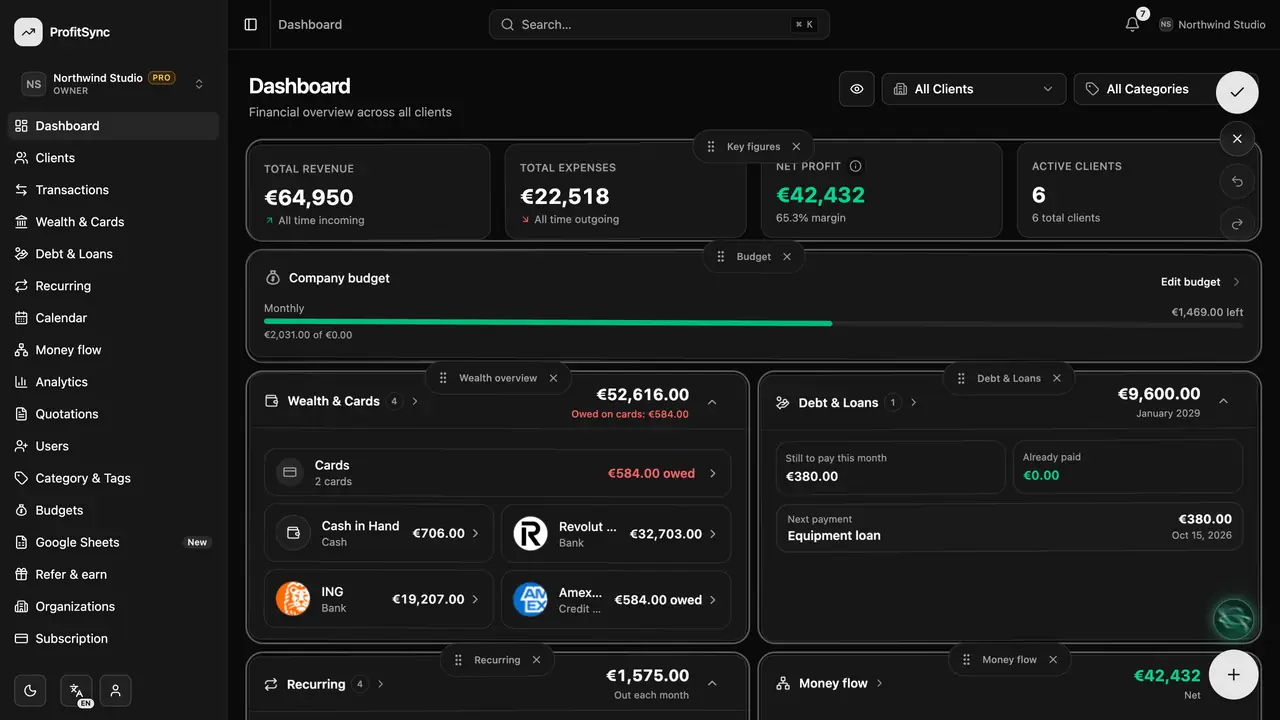
Make it yours
Tap the sliders icon next to the title to reorder, show or hide dashboard cards. Your layout is saved for you.
Good to know
- The attention rail at the top appears only when something needs you — like a card payment due or money that just arrived.
- Personal and business workspaces each keep their own dashboard layout.
Related guides
Write to us and a real person will reply. Contact support