Calendar
See your money day by day — what came in, what went out and what is scheduled next.
Step by step
Open Calendar
Each day shows money in, money out and profit. The month totals sit above the grid.
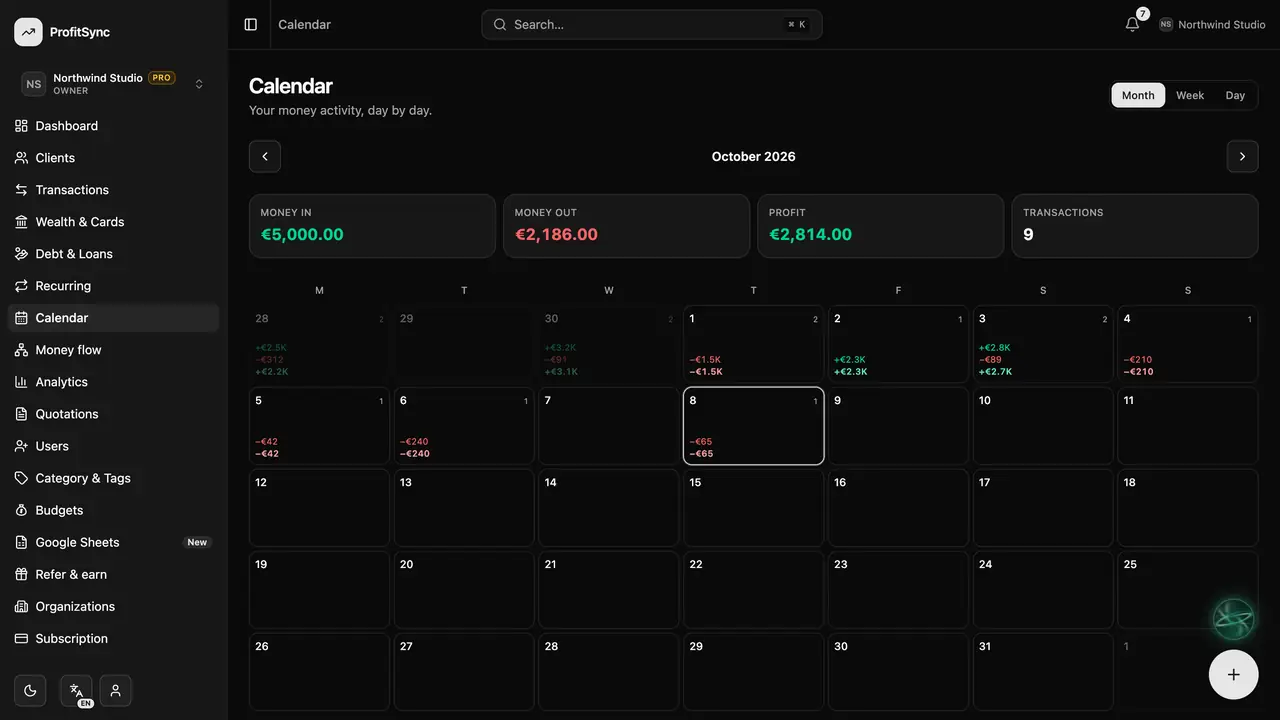
Change the view
Switch between Month, Week and Day, and use the arrows to move back and forward in time.
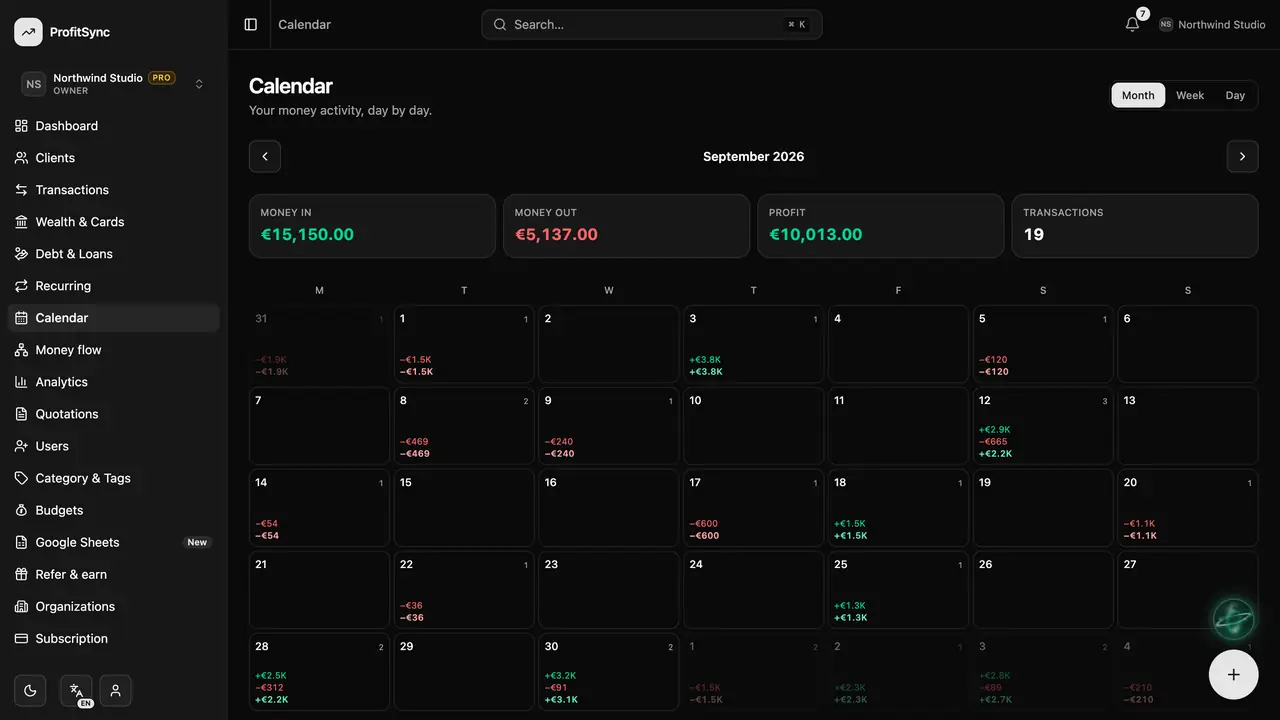
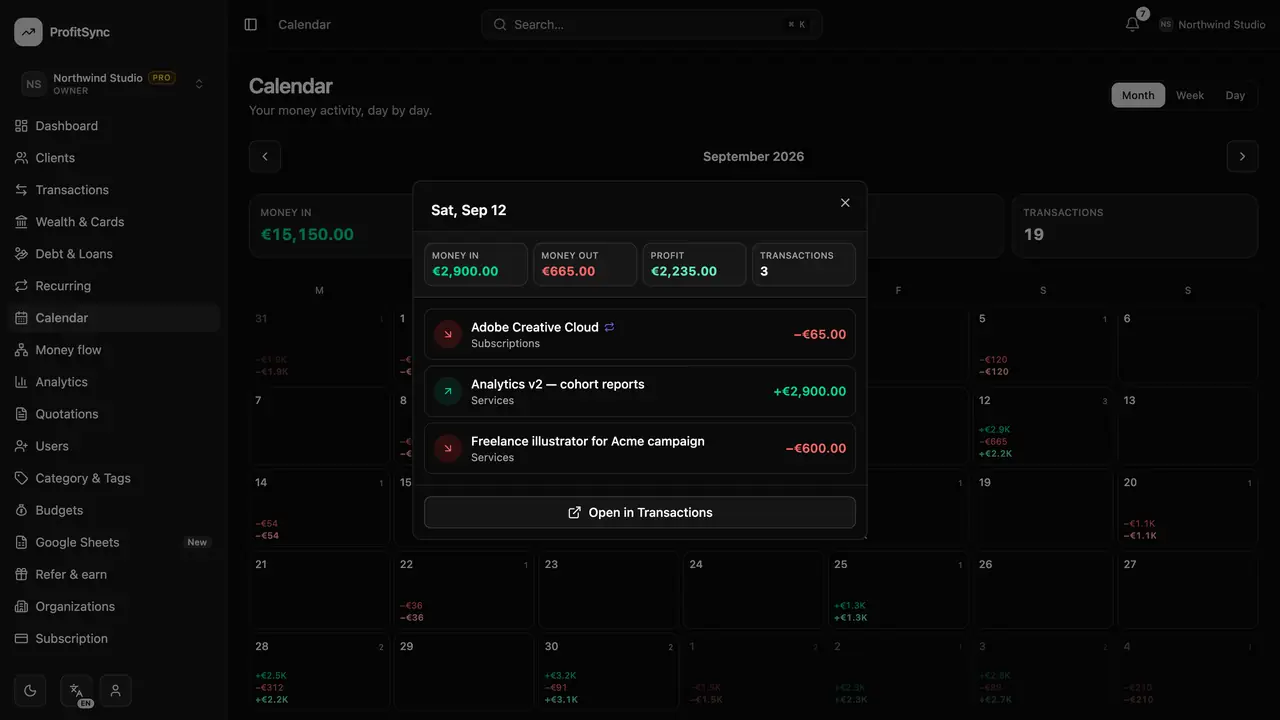
Open a day
Click a day to see every transaction on it, and open any one for its details.
Good to know
- Recurring payments show up on their due dates once they are recorded.
- Use the calendar to spot your busiest days of the month.
Related guides
Write to us and a real person will reply. Contact support