Money flow
Follow your money as a connected map — where it comes from and where it goes.
Step by step
Open Money flow
Your workspace sits in the middle with money flowing in and out. Thicker lines carry more money.
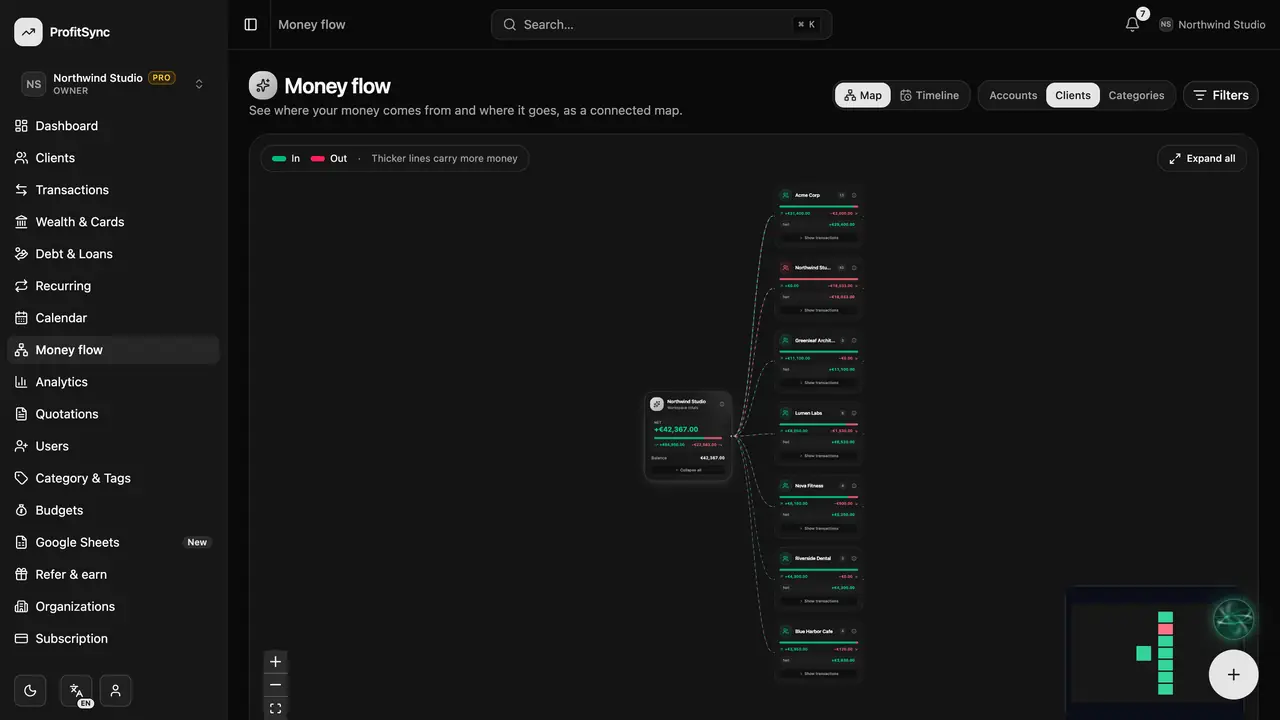
Group the map
Group by Accounts, Clients or Categories to see the same money from a different angle.
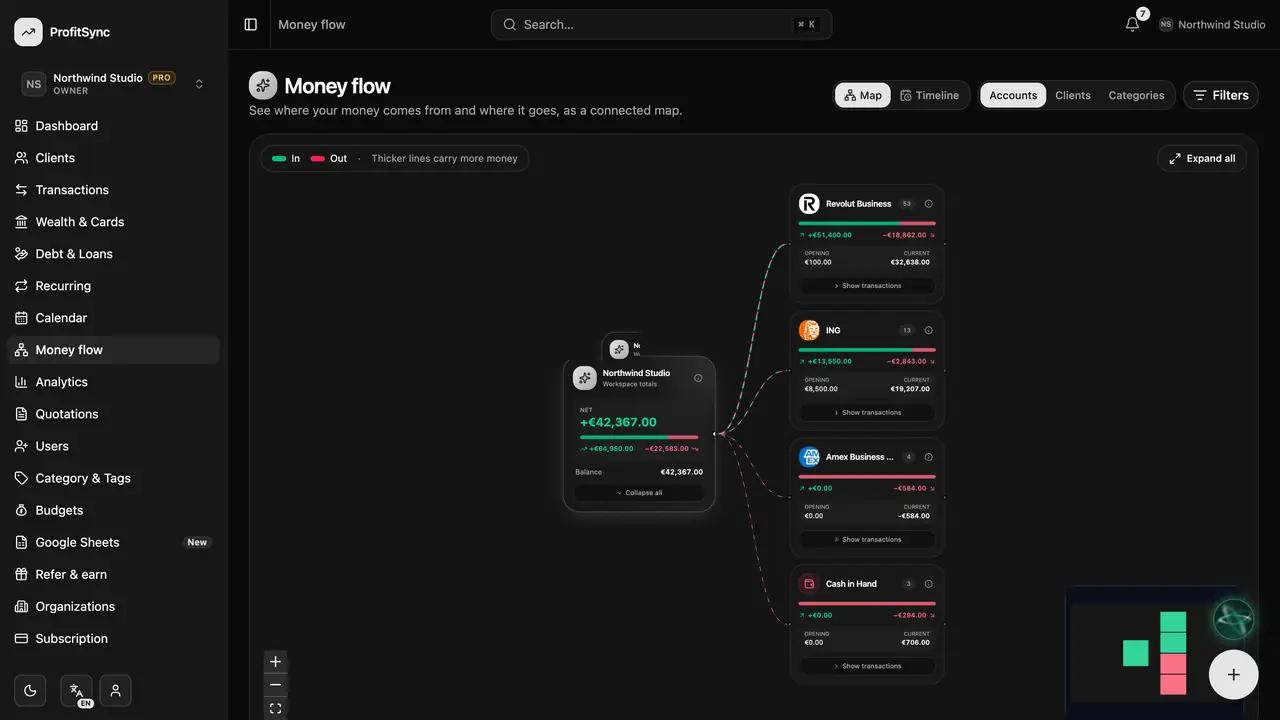
Explore a node
Drag, zoom and click a node to expand it and see the transactions behind it.
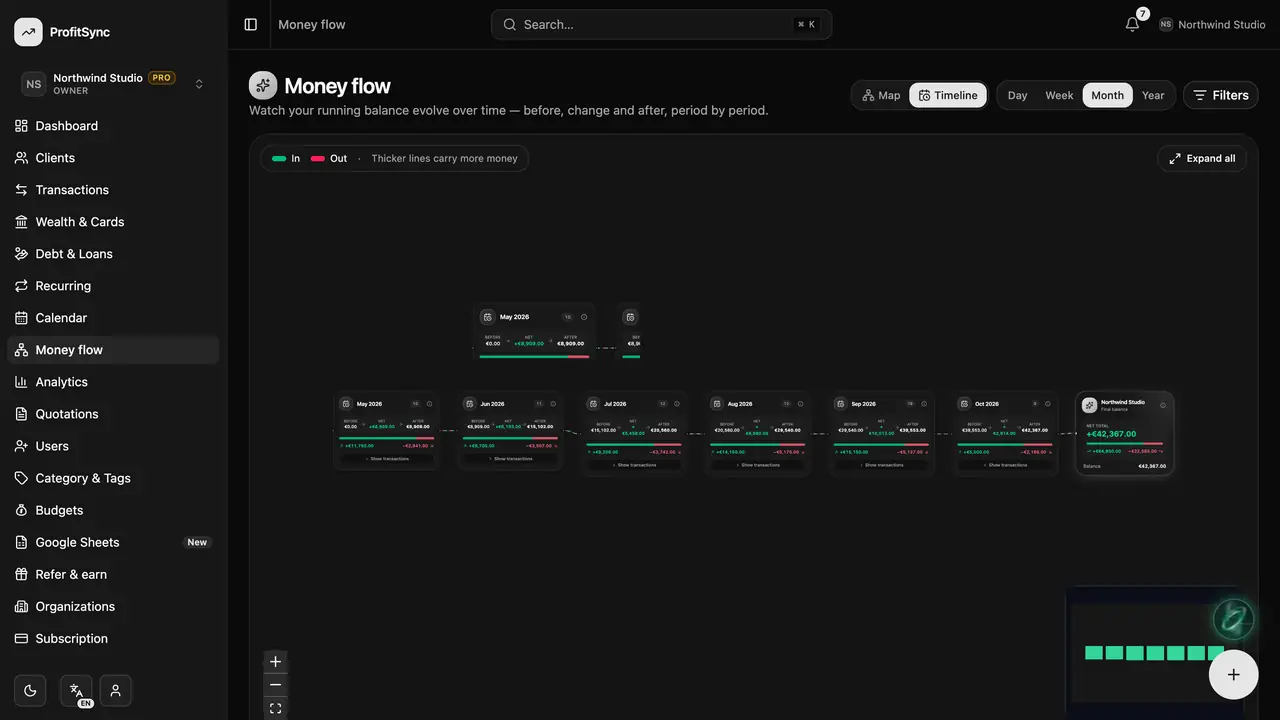
Try the timeline
Switch to Timeline to watch your running balance change over time.
Good to know
- Use Filters to focus on a date range.
- The map remembers where you left it while you move around the app.
Related guides
Write to us and a real person will reply. Contact support