Debt & loans
Track loans you owe and money owed to you, see your debt-free date and plan the fastest way out.
Step by step
Open Debt & Loans
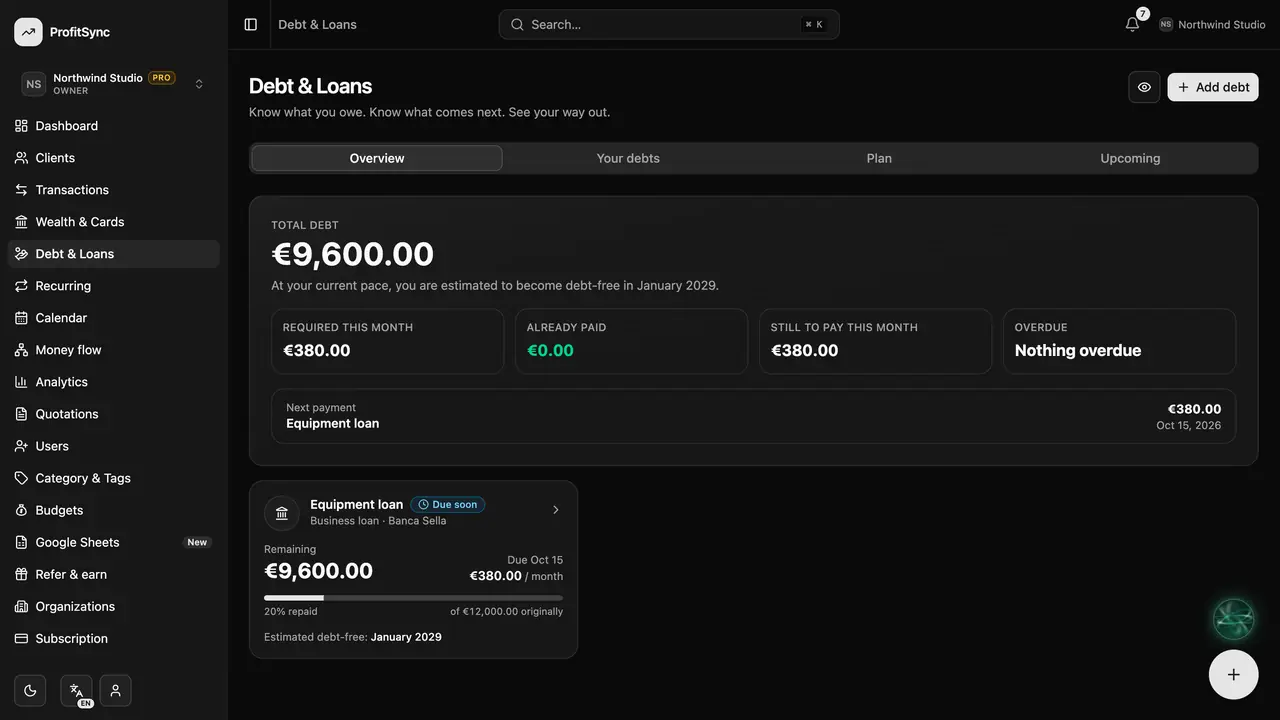
The Overview shows your total debt, what is due this month and your estimated debt-free date.
Add a debt
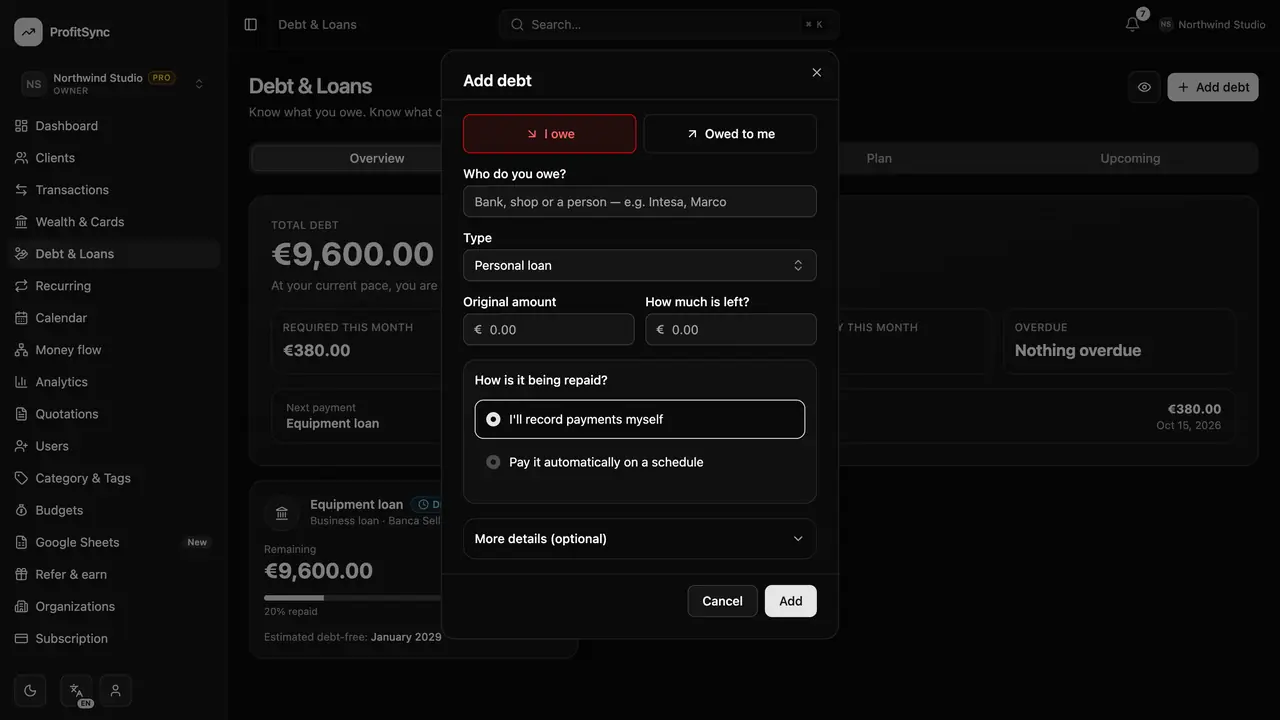
Click Add debt and enter who it is with, how much is left and what you pay. Add interest and dates for a sharper forecast.
Record payments
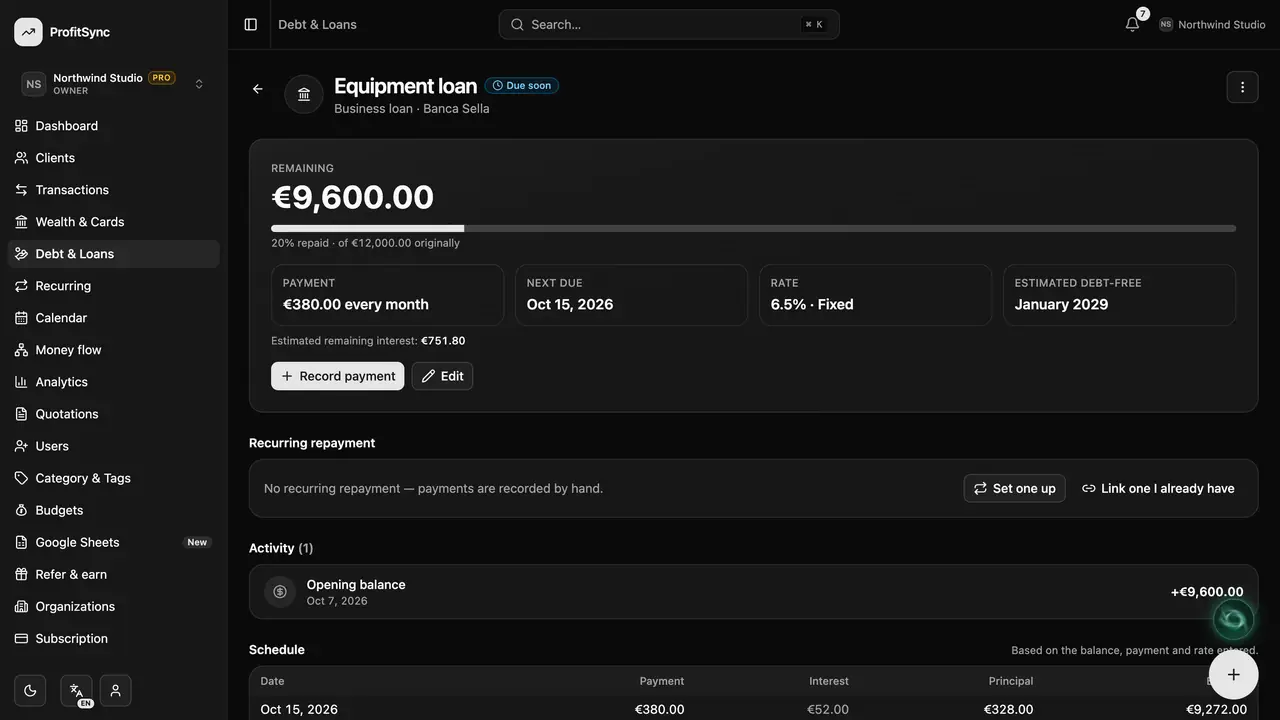
Open a debt to record a repayment. ProfitSync splits it into principal and interest so your expenses stay honest.
Automate repayments
Link a recurring repayment and each instalment is recorded on its due date.
Plan your way out
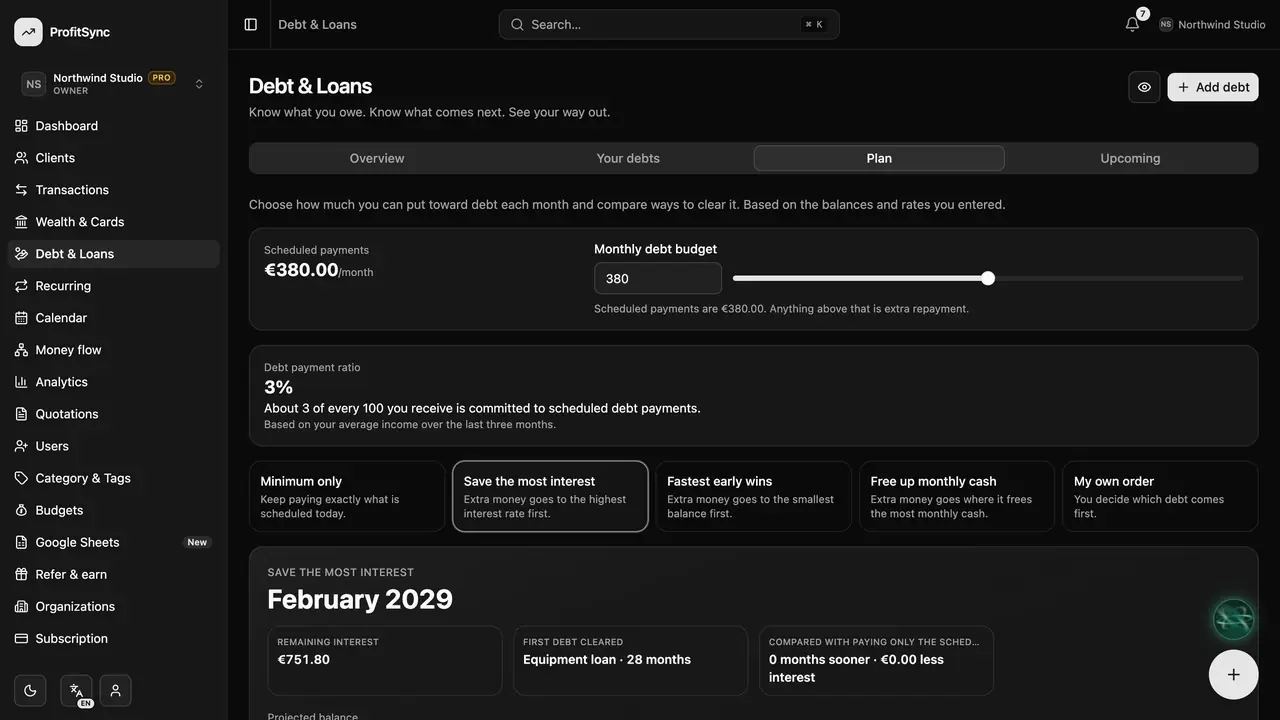
The Plan tab compares strategies like avalanche and snowball, and the Upcoming tab lists every payment ahead.
Good to know
- Money you lent to someone can be tracked too — choose “Owed to me”.
- Borrowed money arriving in your bank is a transfer, never income.
Related guides
Write to us and a real person will reply. Contact support