Recurring payments
Set up rent, salaries, subscriptions or retainers once — ProfitSync records them when they are due.
Step by step
Open Recurring
Go to Recurring in the sidebar to see every scheduled payment and when it runs next.
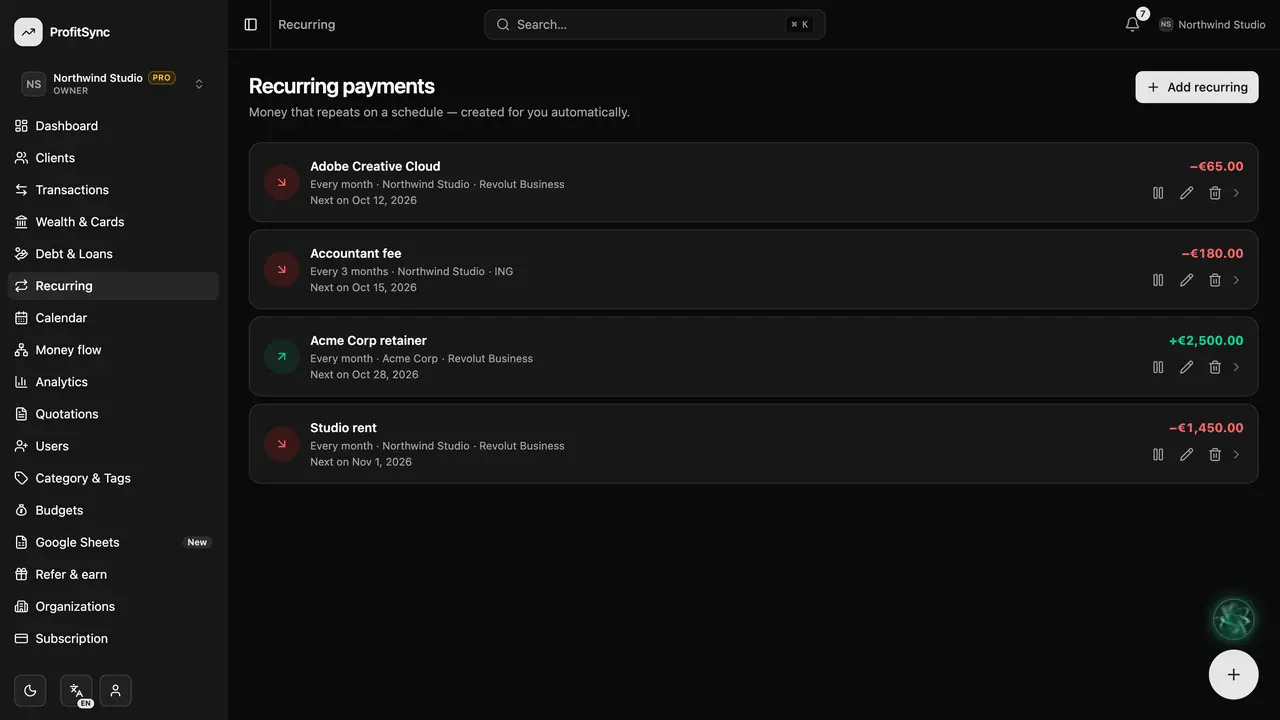
Add a recurring payment
Click Add recurring and give it a name, type, amount, account and category.
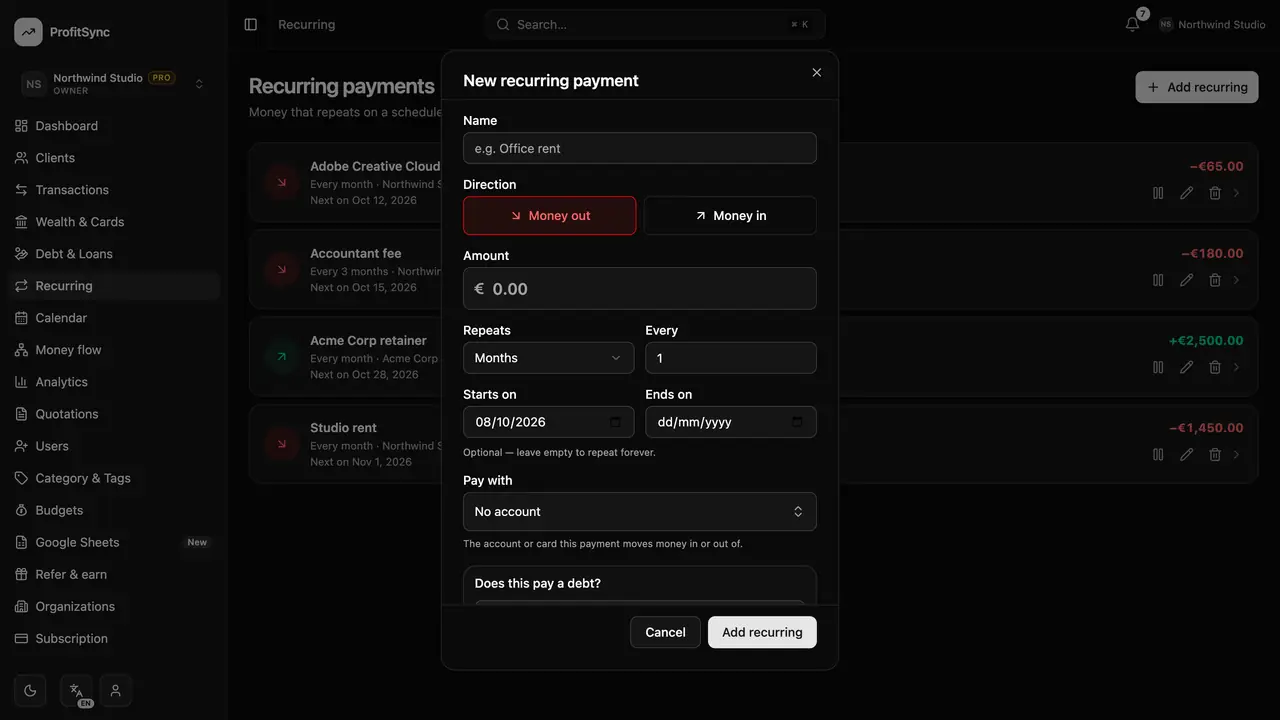
Set the rhythm
Choose how often it repeats — every N days, weeks, months or years — the start date, and an optional end date.
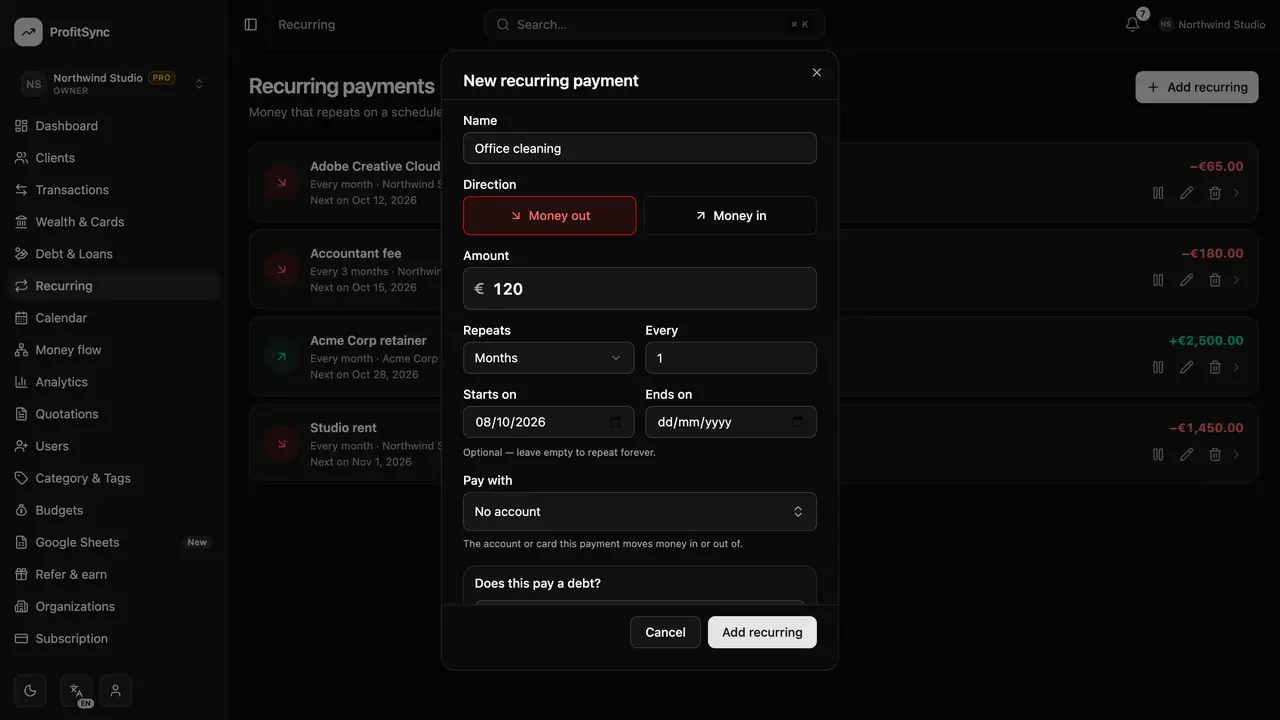
Let it run
On each due date the entry is recorded for you. A start date in the past catches up on what is already due.
Pause or edit any time
Use the buttons on a row to pause, edit or open it and see everything it has posted so far.
Good to know
- A recurring payment can also repay a loan — link it from Debt & Loans.
- A paused rule keeps its history; nothing is posted until you resume it.
Related guides
Write to us and a real person will reply. Contact support