Settings & profile
Update your profile, language, theme and notifications, and manage your account.
Step by step
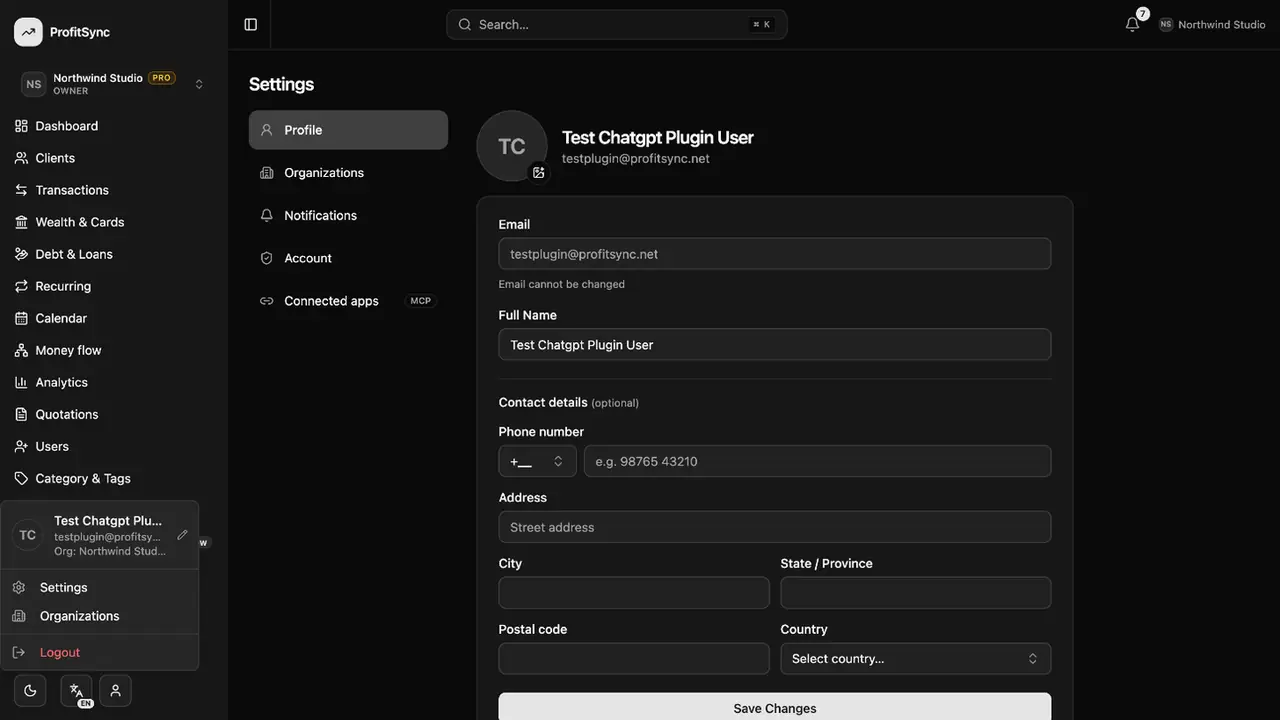
Open Settings
Click your avatar at the bottom of the sidebar and choose Settings.
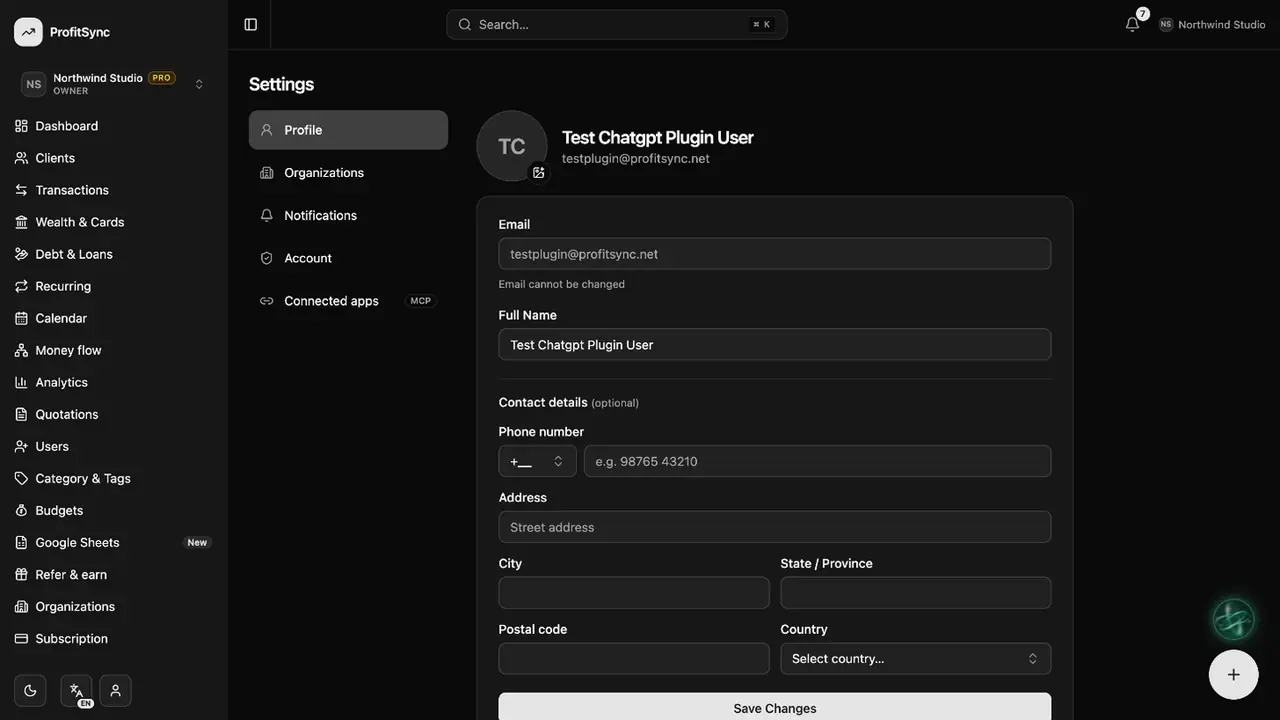
Edit your profile
Change your name and photo in Profile.
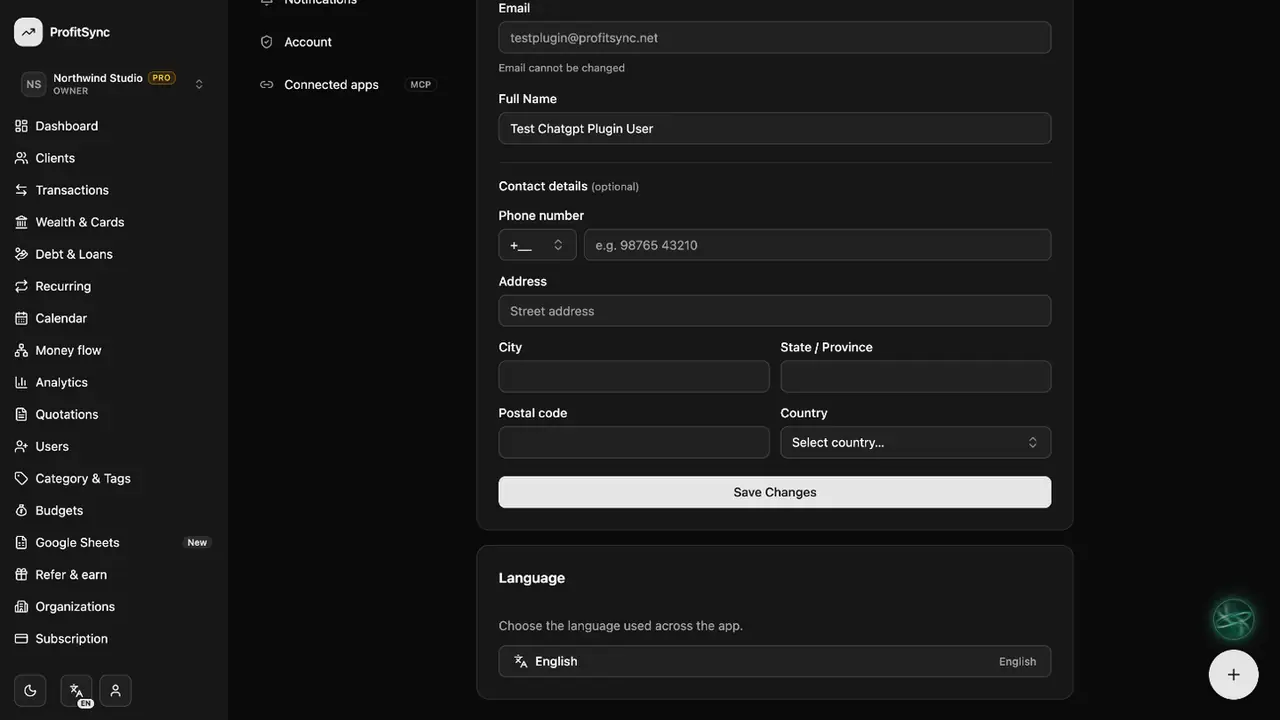
Choose language and theme
Pick one of 8 languages in Profile, and switch between light and dark mode from the button at the bottom of the sidebar.
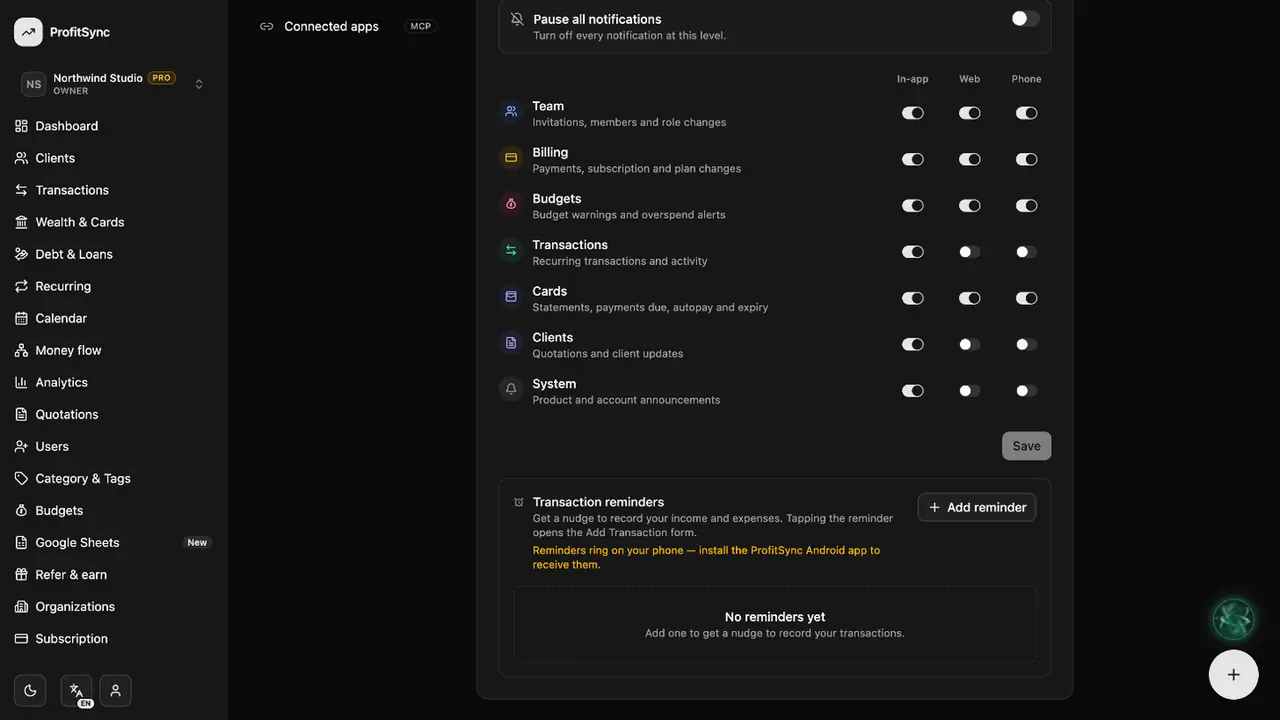
Tune notifications
In Notifications, choose what you hear about and set reminders to log your spending.
Good to know
- Each workspace has its own currency, set in Organizations.
- Account → Delete account removes your data after an email check.
Related guides
Write to us and a real person will reply. Contact support