Plans & billing
Compare Free and Premium, upgrade in a few clicks and download your invoices.
Step by step
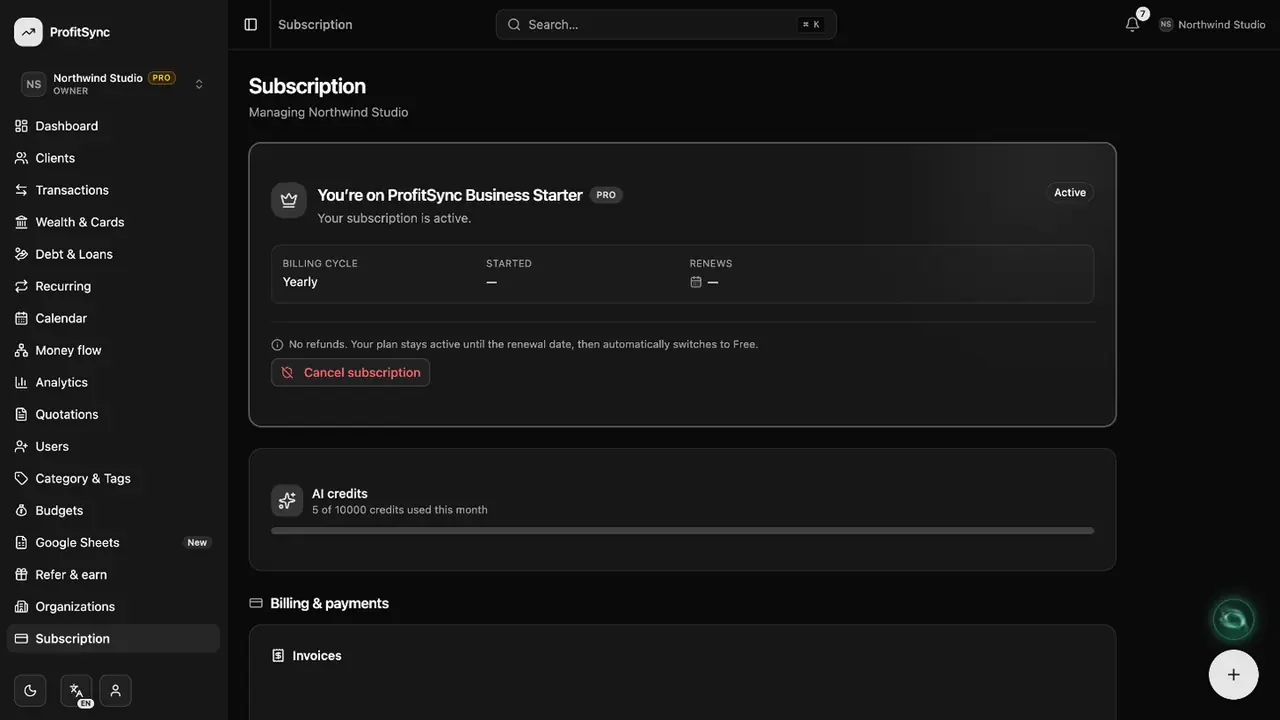
Open Subscription
See your current plan, what it includes and how much of each limit you use.
Upgrade
Choose monthly or yearly and continue to secure checkout. Prices are shown in your local currency.
Manage billing
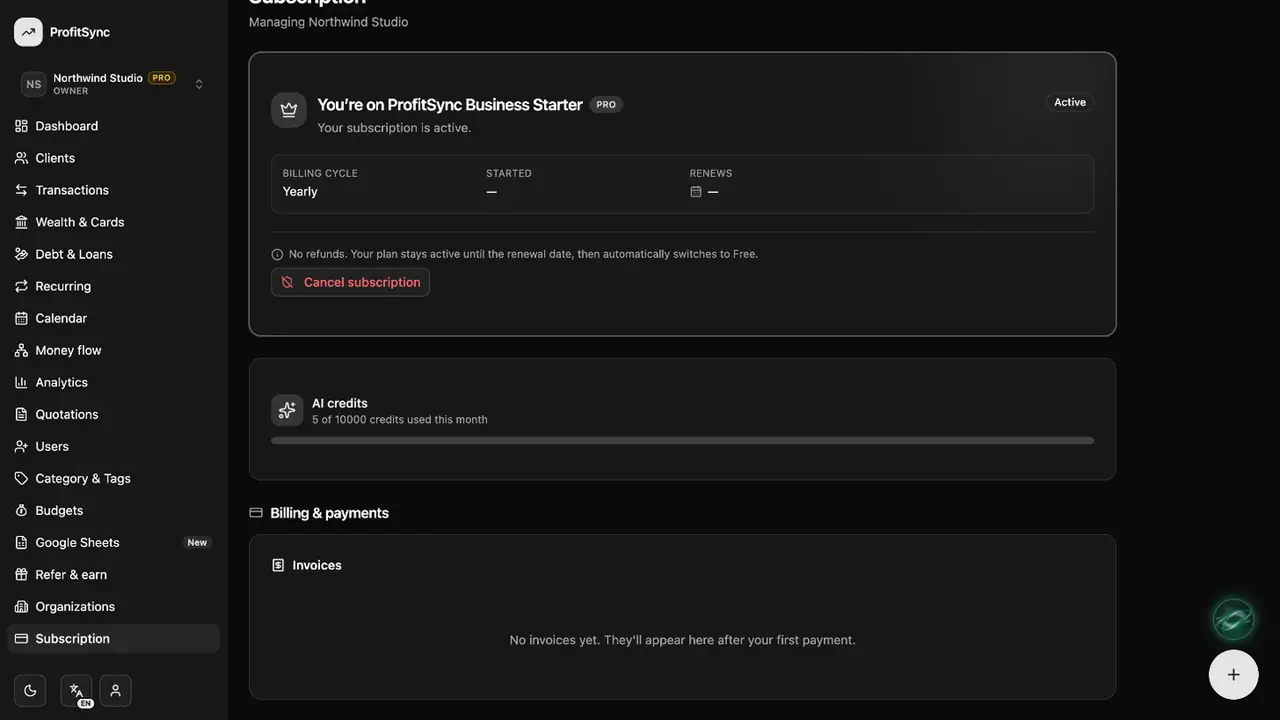
Change or cancel your plan and download every invoice from the same page.
Good to know
- Each workspace has its own plan.
- Cancelling keeps Premium until the end of the period you paid for.
Related guides
Write to us and a real person will reply. Contact support